For programs
One catalog for the whole team.
Field staff, reviewers and outside collaborators work from the same list of known animals.
Roles
Who can do what.
Anyone on the team can upload and suggest a match. Only reviewers can confirm one, so a big field team doesn't lower the bar.
Field staff
- Upload photos and video
- Log stations and placements
- Propose an individual
Can't: Confirm an identity
Reviewer
- Work the Needs ID queue
- Confirm or reject a match
- Second-review another's call
Can't: Change program settings
Program admin
- Invite and remove members
- Set recognition thresholds
- Export the catalog
Can't: Overwrite a confirmed record silently. Every change is logged.
Onboarding
Getting started.
01
Bring the backlog
Upload your existing camera-trap folders. Patterns reads dates and coordinates from the EXIF data when they're there, so old photos land on the right date and place.
02
Set the stations
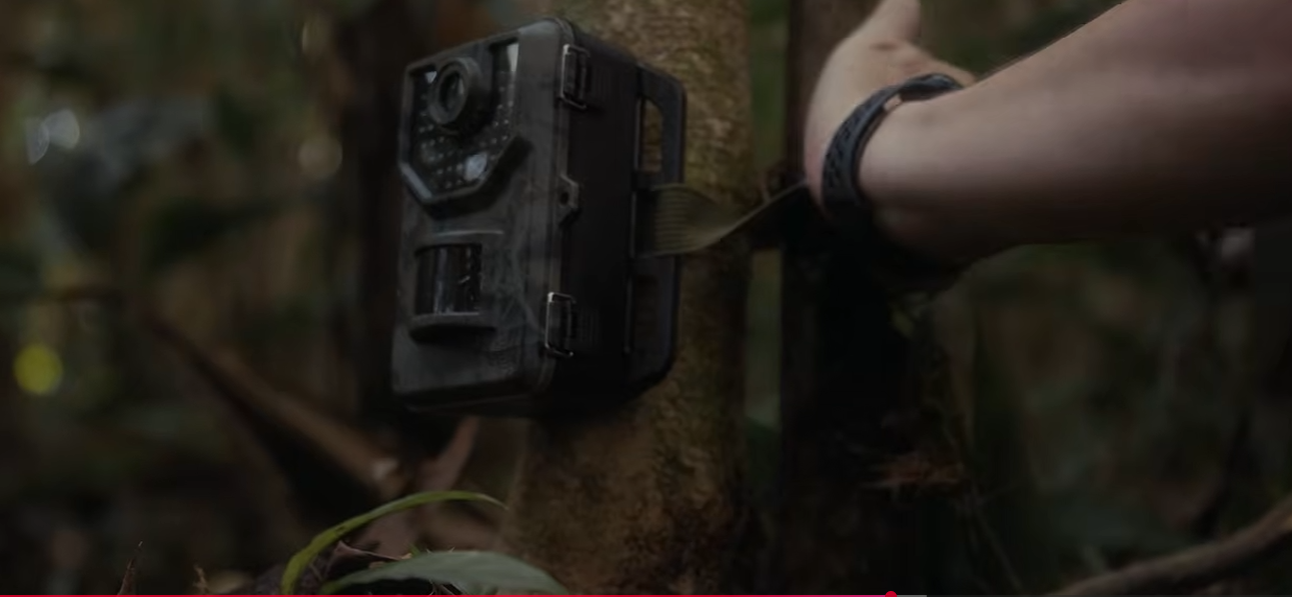
Register cameras and placements once. Every later detection is tied to its station, which you need to calculate effort and recapture rates.
03
Run the first review round
Reviewers go through the Needs ID queue and confirm the jaguars they recognize. Your catalog starts from those confirmations.
Ownership & sharing
Who owns the data.
The records stay yours
Your images, individuals and confirmations belong to your program. Nothing is published, sold or shared with another program without your decision.
Sensitive locations stay coarse
Precise coordinates for at-risk individuals can be blurred or withheld on anything shared outward, while your own team keeps the exact station.
Limited access for collaborators
Invite a partner institution or a visiting researcher to a defined slice of the catalog instead of handing over a hard drive.
Exports with reviewer and date
Export confirmed individuals, detections and station effort with the reviewer and date on each record. A funder report or a paper needs that.
Security and privacy
- 1
People and vehicles go to Security review and are hidden from non-admins, enforced on the server.
- 2
Exact locations only for authorized roles; everyone else sees coarsened pins.
- 3
Exact GPS and audit logs stay inside the organization that owns them.
- 4
Role-based access for citizen scientists, scientists, organization admins and platform admins.
- 5
AI-assistant access is read-only and limited to what the signed-in person can already open.
Who it's for
Scientists & researchers
- Confirm coat matches and propose names (when verified)
- Two reviewers on every research-grade identity
- Individual profiles, sighting history, map, research-grade records
- Follow the same jaguar across partner programs while your GPS and notes stay private
Universities & research labs
- One shared workspace for students, PIs, and field crews
- Roles that separate who uploads, who names, who administers
- A log of every identity decision for theses, papers and grant reports
- Cross-site collaboration with lab-private GPS and notes
Institutions, NGOs & reserves
- Organization-level projects, members and permissions
- Camera-station inventory tied to real trap sites
- Rangers, partners and scientists follow the same ID steps
- Admin control: people, naming approvals, recognition, audit
Citizen scientists & volunteers
- Upload camera-trap photos and videos
- Coat scan with simple flank and location steps
- Contribute sightings without naming authority
- Their uploads go to a scientist to confirm
Viewers, partners & funders
- Browse the catalog and map
- Follow progress without editing records
- Read-only access for people who don't do field work
Want to use Patterns in your program?
Access is invite-only while we work with a first cohort of field programs.